
What a paymaster kit does
A paymaster kit is a code module that lets your application pay gas fees on behalf of users. In the ERC-4337 ecosystem, it acts as a sponsor, not a bank. Users keep their assets; the paymaster simply covers the transaction costs to make the experience frictionless.
When a user interacts with a smart account, the paymaster kit intercepts the operation. It verifies the request, covers the gas cost, and submits the transaction to the bundler. This allows users to pay fees in ERC-20 tokens like USDC instead of holding native tokens like ETH.
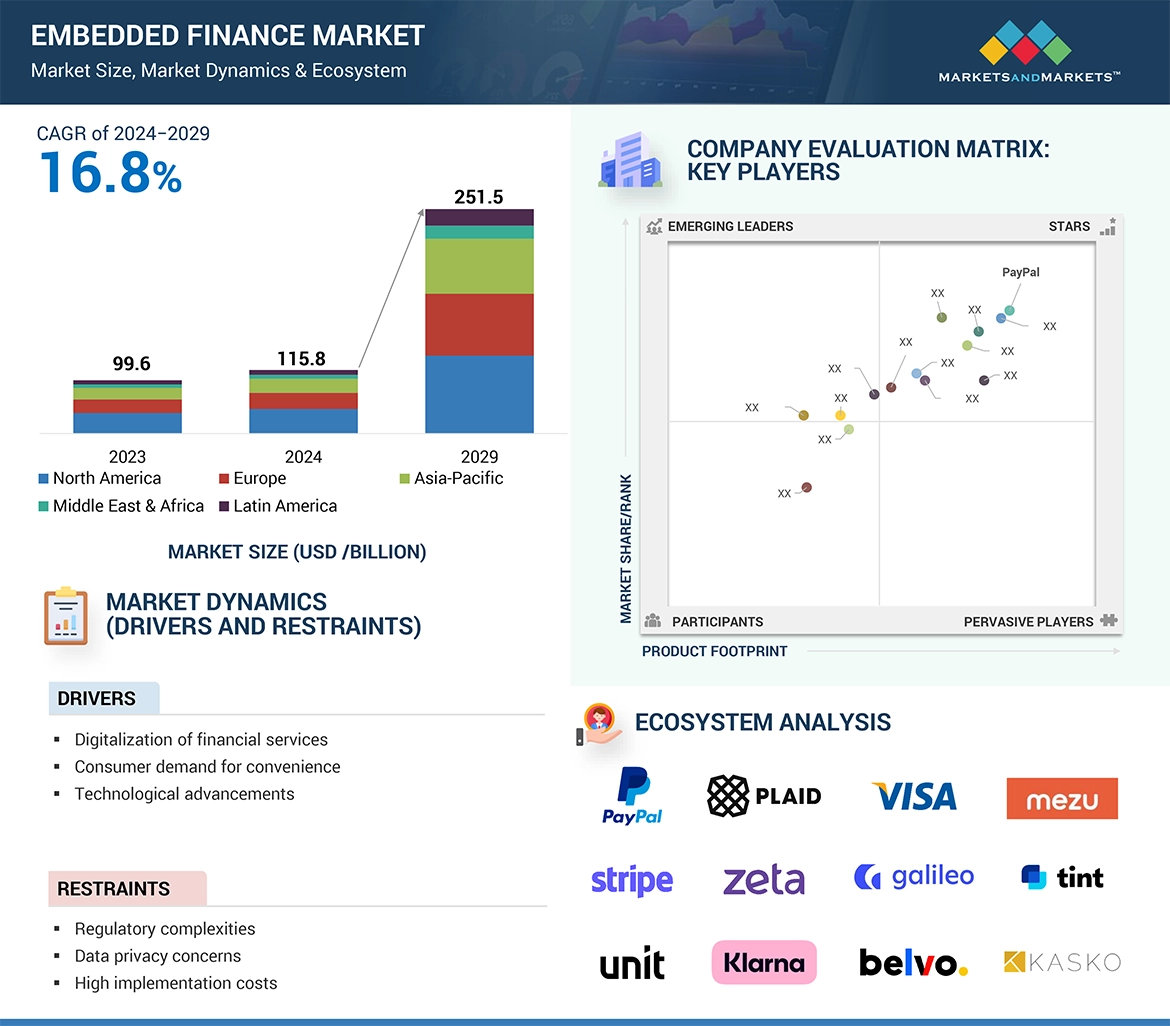
The user signs a user operation (UserOp) through their smart account, requesting a specific action on the dApp.
The paymaster kit checks if the request meets your sponsorship rules, such as valid signatures or token balances.
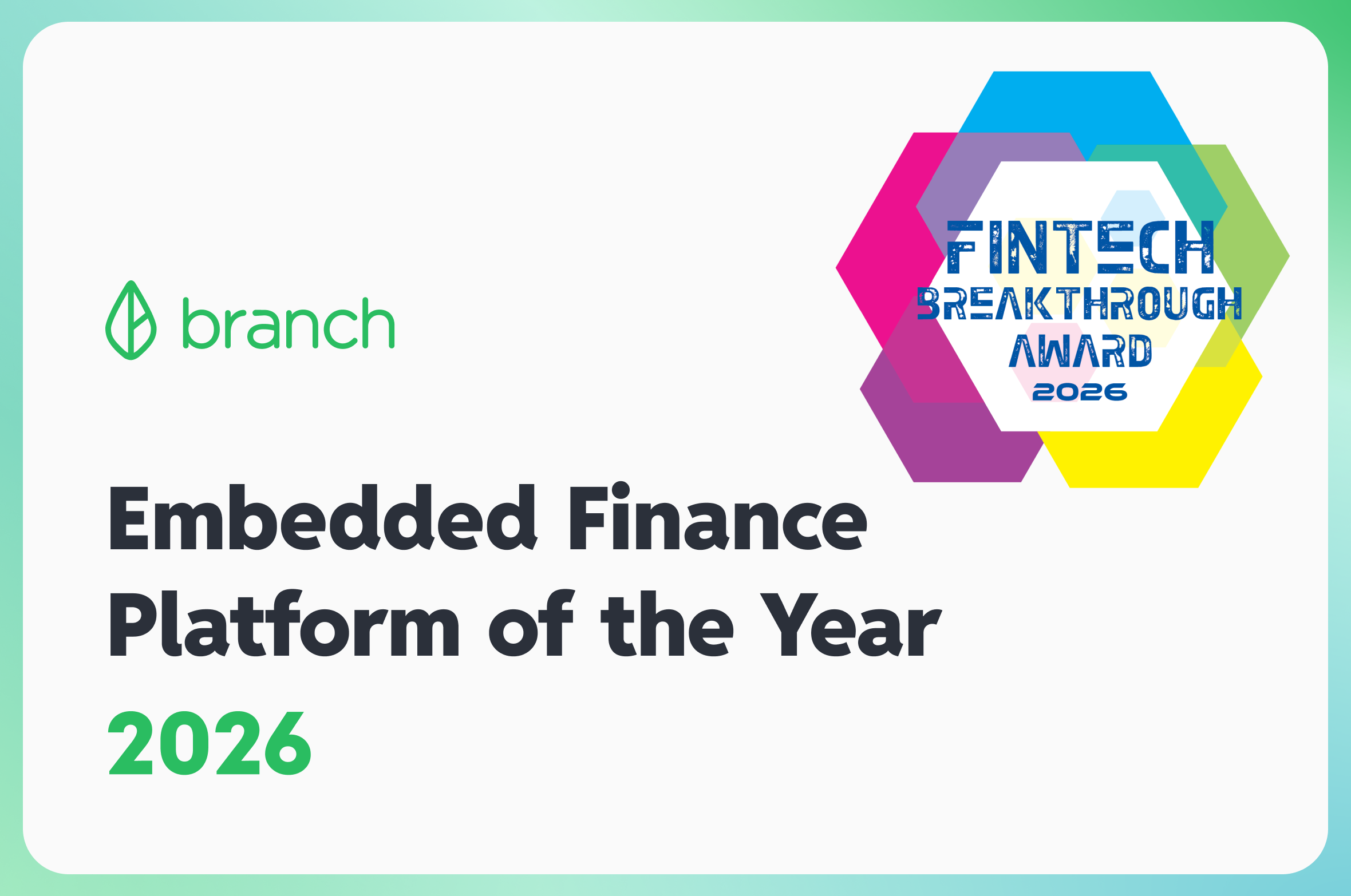
The paymaster submits the UserOp to the mempool, covering the gas fees so the user pays nothing upfront.
This separation of duties is critical. The paymaster kit handles the logistics of gas payment, while the smart account handles the authorization. This architecture enables gasless onboarding and token-based fee payments without exposing private keys to third parties.

Choose your sponsorship model
Deciding between full gas sponsorship and ERC-20 fee payment sets the foundation for your paymaster kit. This choice dictates how you configure your smart contracts, manage user onboarding, and handle backend costs. Alchemy defines ERC-4337 paymasters as tools that enable dapps to sponsor user operations or allow users to pay for gas in ERC-20 tokens and stablecoins.
Full Gas Sponsorship
With full sponsorship, your platform covers all gas costs for the user. This approach removes friction during onboarding, making it ideal for first-time users or high-value actions where you want to eliminate hesitation. You pay the network fees directly, which simplifies the user experience but requires your backend to manage fiat-to-crypto conversions and maintain a gas reserve.
ERC-20 Fee Payment
ERC-20 payment allows users to pay transaction fees using their own token balance, such as USDC or DAI. This model shifts the cost burden to the user, reducing your operational expenses while keeping them within the ecosystem. Users must hold the specific supported token, which adds a layer of complexity but ensures you are not subsidizing every transaction.
Comparison of Models
Use this comparison to evaluate which model fits your specific use case.
| Feature | Full Sponsorship | ERC-20 Payment |
|---|---|---|
| Gas Cost | Paid by platform | Paid by user |
| User Friction | Low (no token needed) | Medium (needs token balance) |
| Implementation | Simple backend logic | Requires token approval flow |
| Best For | Onboarding & marketing | Established user bases |
Implementation Considerations
Your choice impacts the complexity of your paymaster contract. Full sponsorship requires robust monitoring of gas prices and budget limits to prevent abuse. ERC-20 payment requires handling token approvals and ensuring the user has sufficient balance before signing. Both models can be combined in a single kit to offer flexibility, allowing users to choose their preferred payment method at runtime.
![uni USB C to Ethernet Adapter, Driver Free RJ45 to USB C [Thunderbolt 3/4 Compatible], 1Gbps Type-C Gigabit Ethernet LAN Network Adapter for MacBook Pro/Air, iPhone 15 Pro/Max, Dell XPS, Galaxy S8-S24](https://m.media-amazon.com/images/I/61bq8oQDrWL._AC_UY654_QL65_.jpg)

As an Amazon Associate, we may earn from qualifying purchases.
Integrate the paymaster kit
This section guides you through connecting your backend infrastructure to a smart account provider. We will use the Safe Protocol Kit as the reference implementation, as it provides a robust abstraction for ERC-4337 account factories and bundlers. You can adapt these steps to other providers like MetaMask Smart Accounts by swapping the specific SDK imports, but the configuration logic remains identical.
Begin by installing the core packages in your project directory. You need the Safe Provider SDK to manage the smart account instance and the Paymaster SDK to handle sponsorship logic. For a TypeScript environment, run the following command to add the necessary dependencies:
npm install @safe-global/safe-ethers-lib @safe-global/safe-core-sdk-types @safe-global/protocol-kit @safe-global/safe-modules-sdk @safe-global/safe-ethers-lib
Ensure your project is configured to target ES2020 or higher, as the SDK relies on modern JavaScript features like BigInt and optional chaining. Verify the installation by importing the SafeProvider in a test file to catch any version mismatches early.
Initialize the provider with your RPC endpoint and the Safe singleton address. The provider acts as the bridge between your application and the blockchain, handling signature aggregation and transaction execution. Create a configuration object that includes the chain ID and the specific Safe version you intend to support.
import { SafeProvider } from '@safe-global/safe-ethers-lib';

const provider = new SafeProvider({
  provider: infuraProvider,
  safeSingletonAddress: SafeSingletonAddress.SAFE_V1_4_1,
});
This step establishes the read-only connection to the network. You will later attach a signer to this provider to execute transactions on behalf of the user.
You must deploy a custom Paymaster contract to your target chain. This contract holds the funds (ETH or ERC-20 tokens) used to sponsor user transactions. Use Hardhat or Foundry to compile and deploy the contract, ensuring you have sufficient native token balance in the deployed address.
For ERC-20 sponsorship, the contract must approve the bundler to spend your tokens. After deployment, record the contract address and the ABI for use in the next step. Do not use testnet tokens for production integration; verify the contract interaction on a block explorer first.
Connect the deployed Paymaster contract to your Safe Protocol Kit instance. This configuration tells the smart account which Paymaster to call during transaction execution. You must pass the Paymaster address and the specific mode (e.g., StakeAware or ERC20) to the kit configuration.
import { SafeKit } from '@safe-global/protocol-kit';

const safeKit = new SafeKit({
  provider,
  signer,
  paymasterAddress: '0xYourPaymasterAddress',
  paymasterMode: PaymasterModes.ERC20,
});
Once linked, the Safe Kit will automatically include the Paymaster data in the user’s transaction request. Test this connection by attempting a small transaction; if successful, the gas fees will be deducted from your Paymaster contract, not the user’s wallet.
Fund and test the paymaster
Before deploying to mainnet, you must ensure the paymaster contract holds sufficient funds to cover user operations and that it correctly processes them on a testnet. This section walks you through funding the contract and verifying sponsorship logic using the eth_sendUserOperation flow.
No comments yet. Be the first to share your thoughts!